Can I control my Mac from my iPhone?
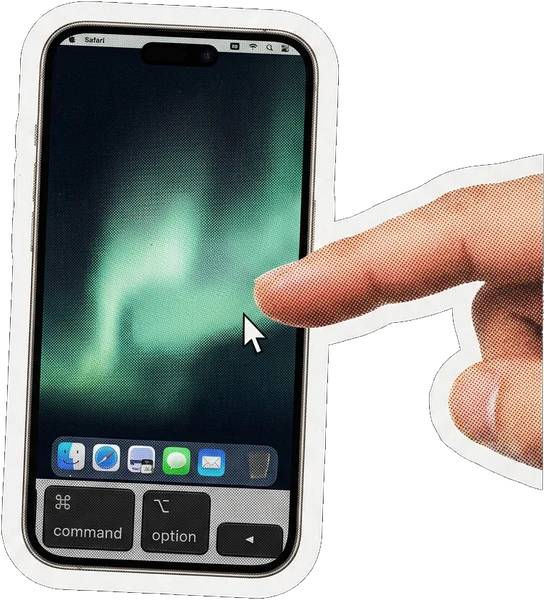
Yes. Farhand streams the Mac screen to the iPhone and sends your taps back as real mouse and keyboard input, including ⌘-key combinations. It is full control, not a read-only viewer.
Connected from anywhere
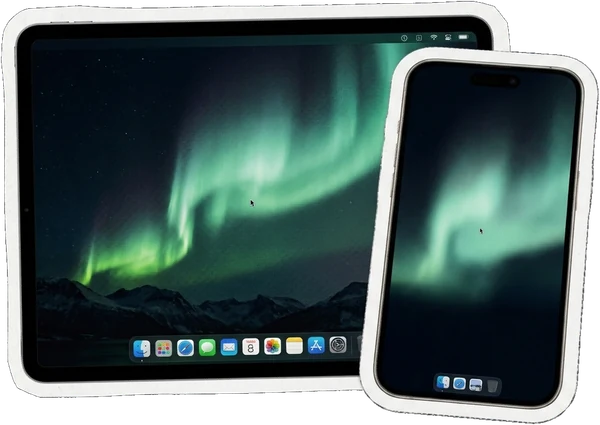
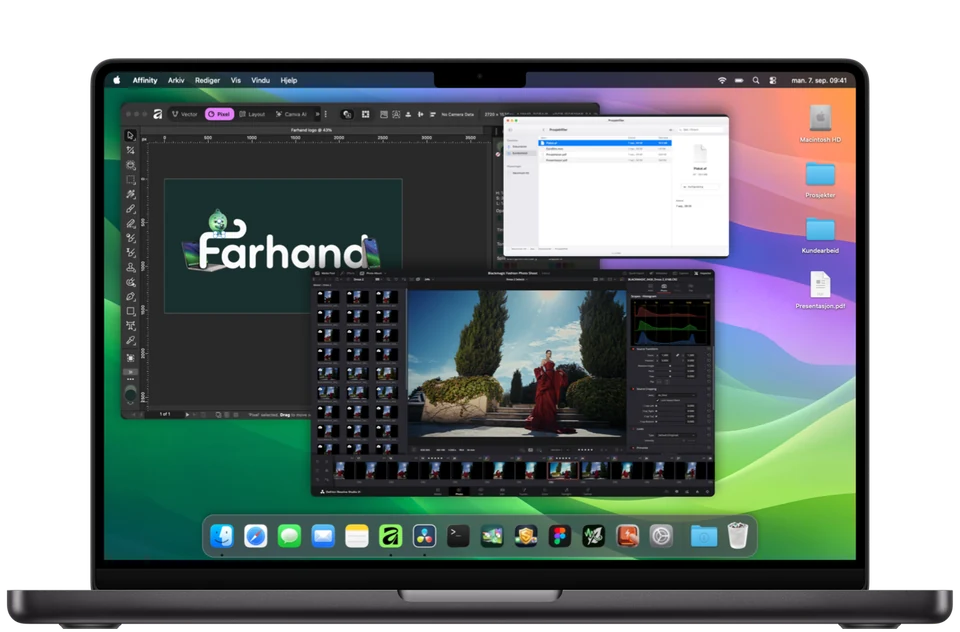
Farhand streams your Mac screen to your iPhone or iPad and gives you the mouse and keyboard back. Not a viewer — actual control, from anywhere.
7 days free, no card up front · then $4.99 a month · macOS 14 or later
Your screen never leaves machines you own


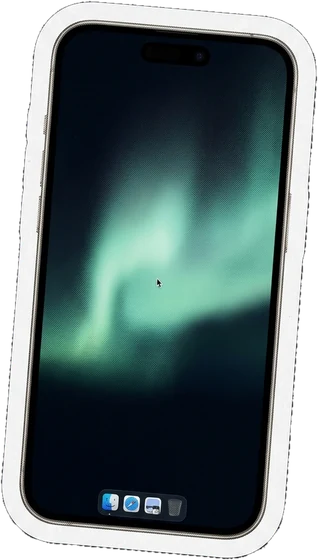
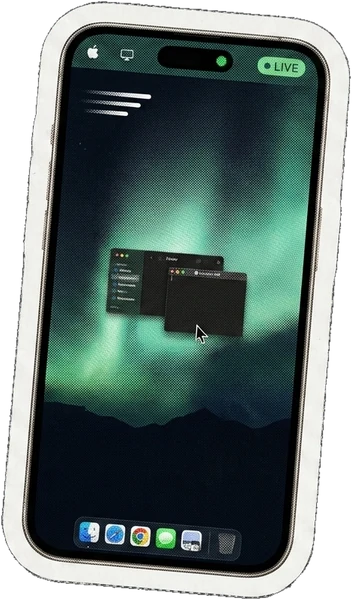
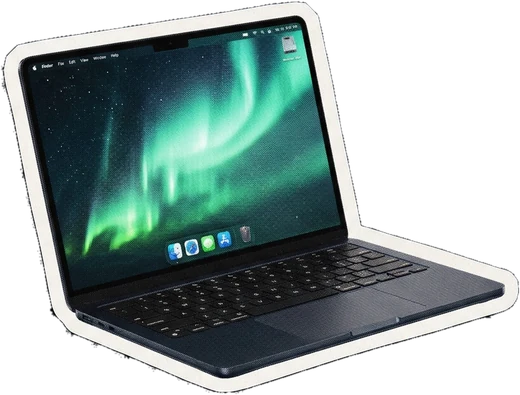
The Mac desktop streamed to the phone at full frame rate, with a pointer that keeps up with your thumb.

Click, drag, scroll, and a native keyboard with ⌘, ⌥ and ⌃ combinations — not an on-screen compromise.

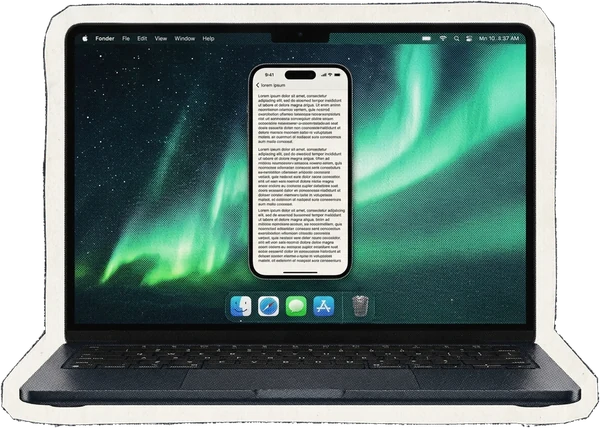
Tap ✦ and the frontmost window takes on phone shape on the Mac itself, so text reflows and becomes readable instead of shrinking.

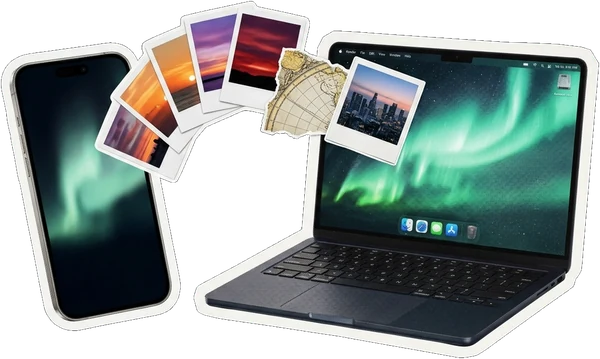
Send images and text straight to the Mac clipboard, up to ten at once, then hit ⌘V wherever you need them.

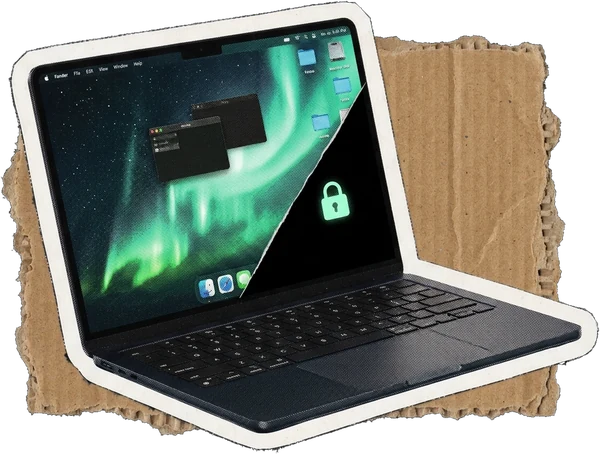
Black out the Mac screen and optionally lock its keyboard while you work remotely. Four separate ways back out, so you can never strand yourself.

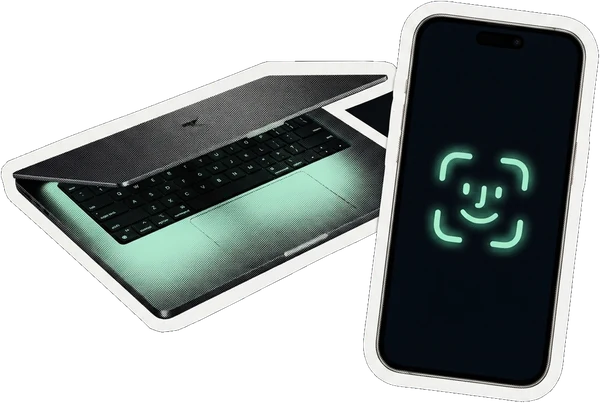
Unlock a locked Mac with your face, and wake one that has already gone to sleep.
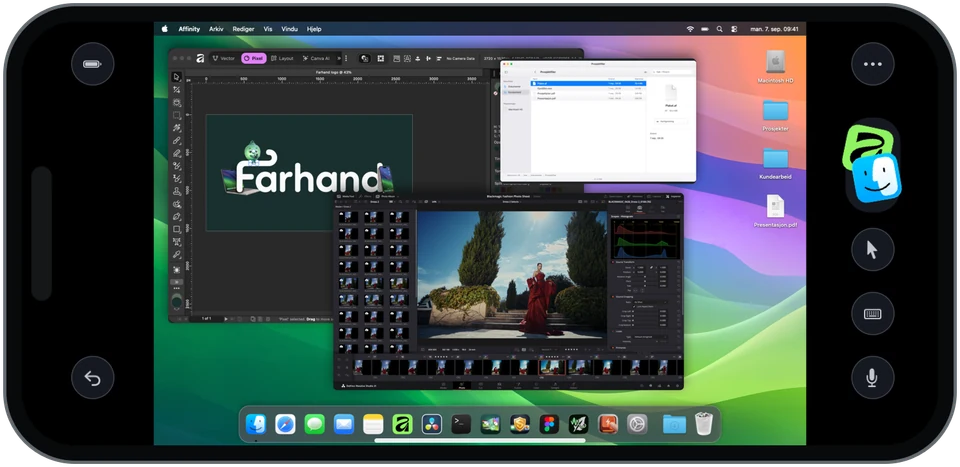
Turn it sideways
A desktop is wider than it is tall, so a phone held sideways finally gives it the shape it wants. The pointer, the ⌘ keys and two-finger scrolling all come along. On an iPad it stops feeling like a workaround at all.


One window at a time
Pinching a whole desktop down to phone size makes text unreadable. Tap ✦ and Farhand gives the frontmost window phone proportions on the Mac itself, so the app reflows its own text the way it was built to.
A menu bar app with a setup checklist. No terminal, no Xcode, nothing to install alongside it.
Screen Recording and Accessibility, each behind a single button.
The phone pairs once and remembers the Mac from then on.

At home the connection goes straight between your devices. Away from home it goes through a blind relay that sees encrypted noise and can neither read, change, nor impersonate you — the same model Tailscale and Signal are built on.

iPhone and iPad
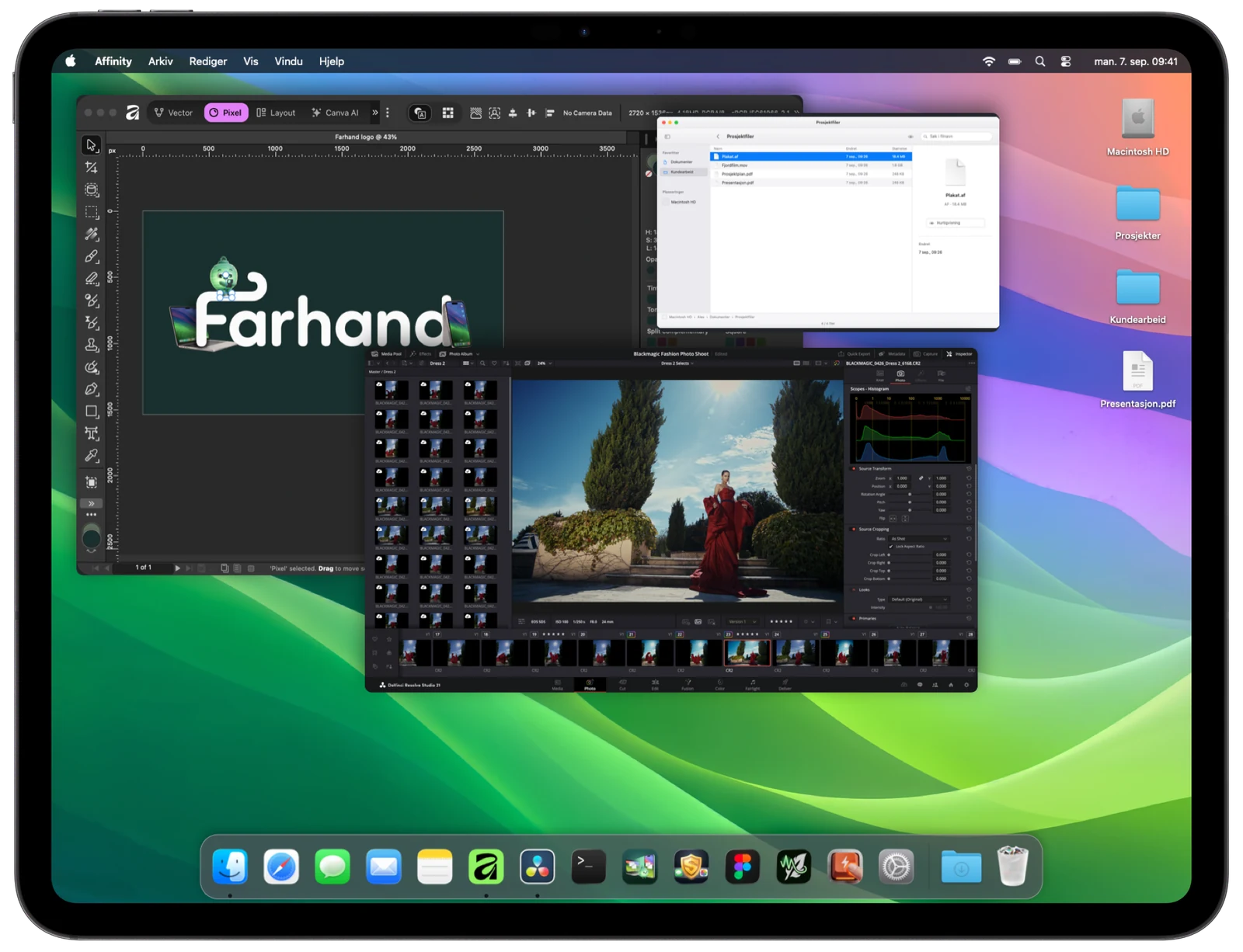
One app, laid out for each device. On an iPad the button dock folds away and the desktop gets room to breathe; on a phone it stays within thumb reach.
Privacy
That is the whole problem with this category, and it is the part Farhand is designed around rather than bolted onto afterwards.


Black out the Mac and, if you want, lock its keyboard, while you keep working from the phone. The sound is muted too — a screen that looks off should not play your meeting to the room. When someone interrupts it at the machine, the Mac locks in the same instant, so the desktop never flashes up.
No password. No app. No network. No remote command can take this away, and it can only ever end privacy mode — never start it.
There is no mode for letting somebody else drive your Mac, and there will not be one. The scam that plagues this whole category needs that feature to exist. Farhand does not have it.
Away from home, traffic is sealed with X25519 before it leaves your device. The relay passes through something it cannot read, change or replay — it only knows two devices are talking.
Control-Option-Command-L, or Escape five times, ends privacy mode. No password, no app, no network. No remote command can switch that escape off, and it can only ever end privacy mode, never start it.
A badge on screen and the menu bar icon are forced on while someone is watching. There is no setting that hides them, and the curtain cannot cover them.
There is nothing to sign up for. Your devices know each other directly, so there is no server holding a list of who owns which Mac.

Yes. Farhand streams the Mac screen to the iPhone and sends your taps back as real mouse and keyboard input, including ⌘-key combinations. It is full control, not a read-only viewer.
Yes. On the same Wi-Fi the connection is direct. Elsewhere it goes through a relay that both devices dial out to, which works through any router or mobile network, and upgrades to a direct link in the background when hole punching succeeds.
No. The relay carries end-to-end encrypted traffic and cannot read it. Nothing is stored, and on your home network the relay is not used at all.
Yes. The same app runs on iPhone and iPad, with a layout that uses the larger screen and folds the button dock away when you do not need it.
Yes. Store the Mac password in the Mac keychain once, and Face ID on the phone will wake the screen and type it for you. It takes about two seconds.
Yes. Farhand measures the actual lag between your finger and the picture and steps quality down when the network is poor, then back up when it recovers. A data saver mode is available manually as well.
Try it for seven days, with no card up front and nothing held back — the trial is the whole app. After that it is $4.99 a month if you love it as much as we do. The seven days start when you first pair a device, not when you install, so a download you forget about never quietly burns your trial.

Seven days free, then $4.99 a month. It never leaves your own machines.
Download for Mac7 days free, no card up front · then $4.99 a month · macOS 14 or later